AI Storyboarding: From Idea to Animated Sequence in Minutes
Use an AI storyboard generator to plan multi-shot videos: turn a premise into panels, refine each frame, then animate panels with image-to-video. Full workflow inside.
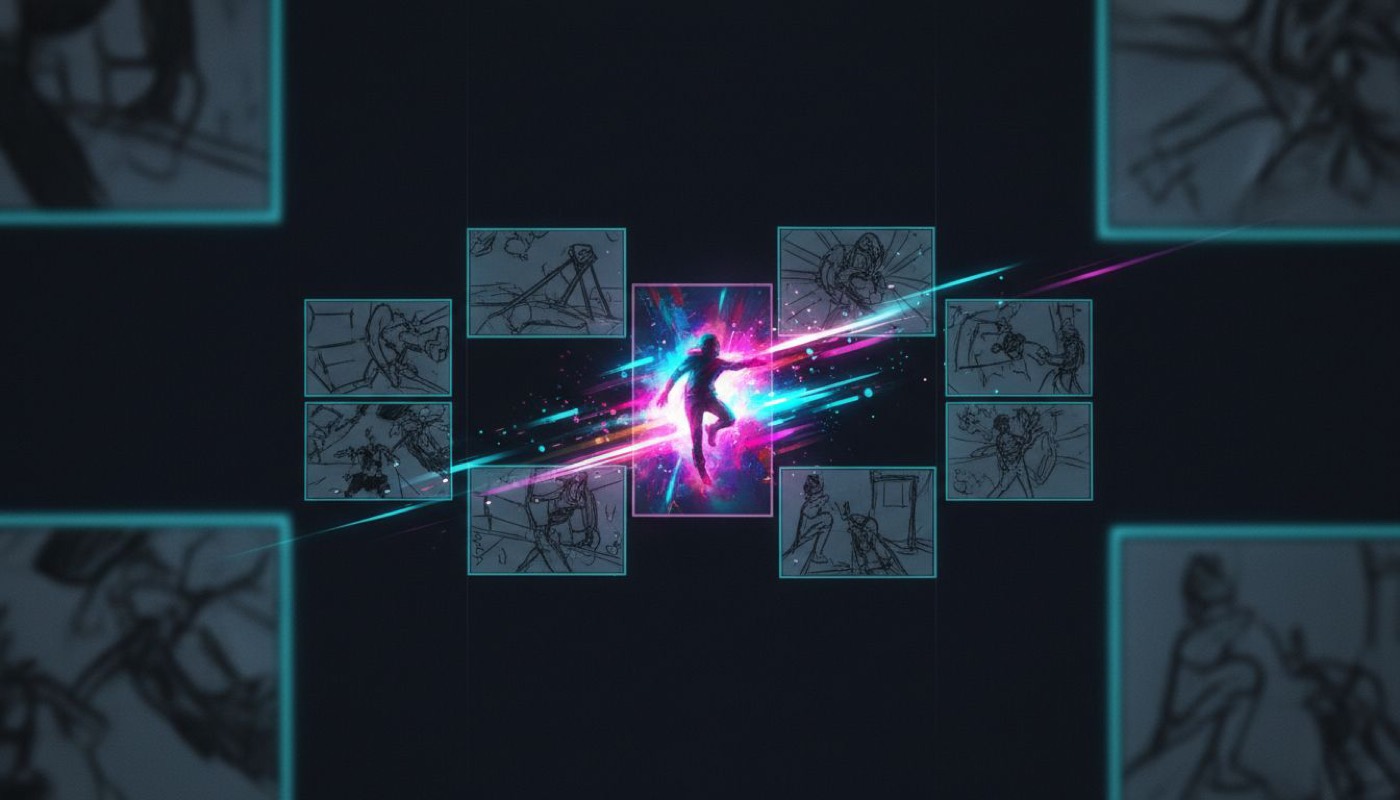
The difference between "some AI clips" and "a video that tells a story" is planning shots as a sequence. That's storyboarding — and it used to require drawing skills or a shot-list spreadsheet nobody maintained. AI collapsed it into a two-minute step that pays for itself on every multi-shot project.
Why storyboard at all when generation is cheap?
Because video generation is priced per second and prompted per clip. Without a board you improvise shot 3 while paying for takes of it. With one:
- You catch story problems on paper — pacing, missing beats, weak openings — before spending a single video credit.
- Every clip generation starts from an approved composition, so takes converge instead of wandering.
- A board doubles as a client/team artifact: approve the six panels, then animate exactly those.
The economics are lopsided: a storyboard image costs pennies; a wasted premium video take costs a dollar or more (full cost math).
Step 1 — Premise to panels
In SpeedReel, the storyboard generator is a mode of the image generator: describe the sequence and it renders a single multi-panel board — comic-style frames showing your key moments in order. The prompt assistant works here too, and asks storyboard-specific questions: who's the main character, what's the sequence of beats, what's the setting. Answer three questions; get a coherent six-panel board.
A working premise: A courier races across a rainy cyberpunk city to deliver a mysterious package, from rooftop start to neon-lit handoff.
Step 2 — Interrogate the board
Read the panels as an editor, not a fan:
- Does panel 1 work as a hook — would it stop a scroll on its own? (It will become your literal opening frame.)
- Is there one clear action per panel? A panel needing two sentences to describe will need two clips.
- Do consecutive panels cut together — varied shot sizes, consistent screen direction?
Regenerate or re-prompt individual moments until the board reads clean. This is minutes, not hours.
Step 3 — Panels become start frames
Here's the pivotal move: each approved panel becomes the start frame of an image-to-video clip. Generate a full-quality still per panel (same character reference throughout for consistency), then animate each with a motion-only prompt — "she vaults the railing, camera tracks right, rain streaking the lens." Why motion-only? Composition is already decided; that's the core discipline of i2v prompting.
Draft animations on a budget model, upgrade hero shots to Seedance 2.0 or Kling once timing feels right.
Step 4 — Cut on the same timeline
Because SpeedReel's storyboard, image and video generation share one project, the board-to-timeline loop never leaves the tab: arrange animated panels in board order, trim to pace, add generated music, export. A six-panel board reliably becomes a 20–40 second piece — the exact sweet spot for short-form audiences.
Where this workflow shines
- Fiction micro-series — episodic sci-fi/horror needs continuity; boards + i2v deliver it (faceless channel guide).
- Ads — get sign-off on six panels before generating a frame of video. Clients approve pictures faster than prose.
- Music videos — map beats to panels, animate on tempo.
- Pitches and previz — a filmed-look sequence for the cost of lunch.
FAQ
How many panels should a storyboard have? For short-form: 4–8. Under 4 rarely carries a story; over 8 usually means you're making two videos.
Can I storyboard with my own character or product? Yes — feed reference images and the board builds around them. The assistant reads attached references and asks only about what it can't see.
Is the storyboard itself usable as content? Absolutely — boards post well as "how it started / how it ended" companion content next to the finished video.